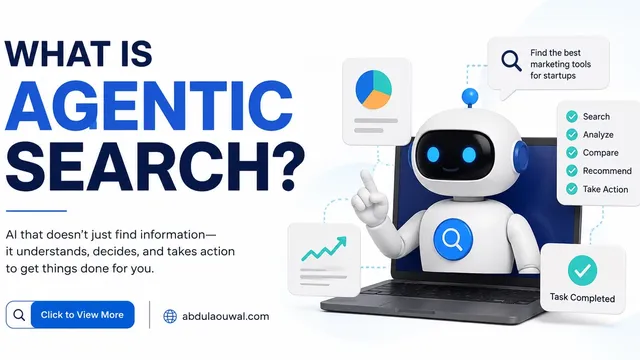
AI agents are programs that browse websites and perform tasks for human users. Different AI agent frameworks handle browsing and task execution differently. They click buttons, fill forms, navigate menus, and complete purchases. If your website is not built for these agents, you lose traffic, sales, and visibility in AI search results. Agentic browsing is a core component of autonomous agentic web search. This guide explains what agentic browsing is and how to prepare your site for it.
Agentic browsing is no longer a future concept. Google Chrome has added agentic browsing checks to its Lighthouse tool. Your website score for AI agents is now measurable. A low score means AI systems struggle to use your site.
making your pages crawlable by AI and structuring pages for AI discovery are equally important foundations.What Is Agentic Browsing?
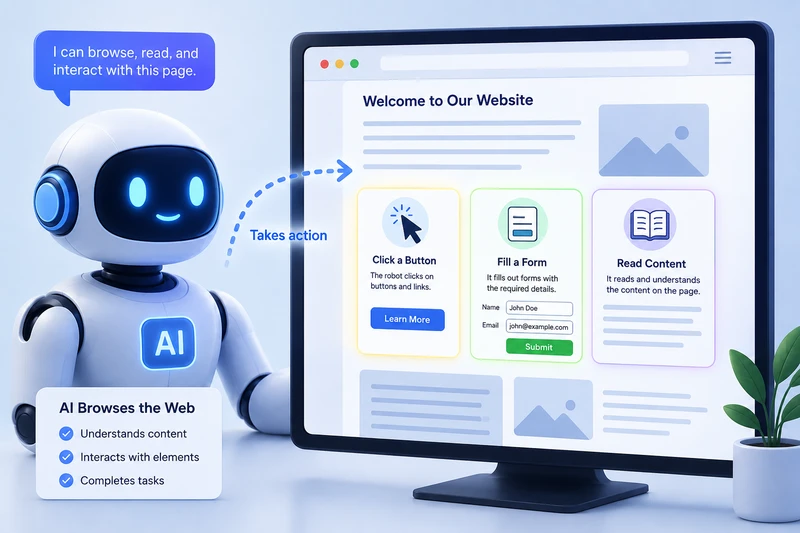
Agentic browsing happens when an AI program visits a website and takes action instead of a human. A human reads text on a page and decides what to do next. An agent reads the page code, finds interactive elements, and performs tasks like submitting a form or adding an item to a cart.
AI agents are different from search crawlers. A search crawler like Googlebot reads your page content to index it. An agent reads your page to perform actions. The agent needs to understand which button is the "buy now" button, which field asks for an email address, and what happens after the form is submitted.
AI agents do not read your page like a human does. A human scans visual elements and understands context from design and layout. An agent reads the code structure, the accessibility tree, and the labels attached to each element. Every button, link, and form field must be detectable through HTML attributes because the agent cannot interpret visual cues like colors or positioning.
teaching an agent new capabilities depends on finding the right interactive elements first.
| Aspect | Traditional Browsing | Agentic Browsing |
|---|---|---|
| Who uses it | Human visitors with a browser | AI agents, LLMs, and automation tools |
| How it reads pages | Visual rendering, text, and images | Accessibility tree, code structure, metadata |
| Purpose | Read content and navigate manually | Perform actions like clicking, typing, submitting |
| Key requirement | Readable text and visual design | Detectable interactive elements and labels |
| Measurement tool | Page speed, usability, design | Lighthouse Agentic Browsing score |
Why Agentic Browsing Matters for Your Website
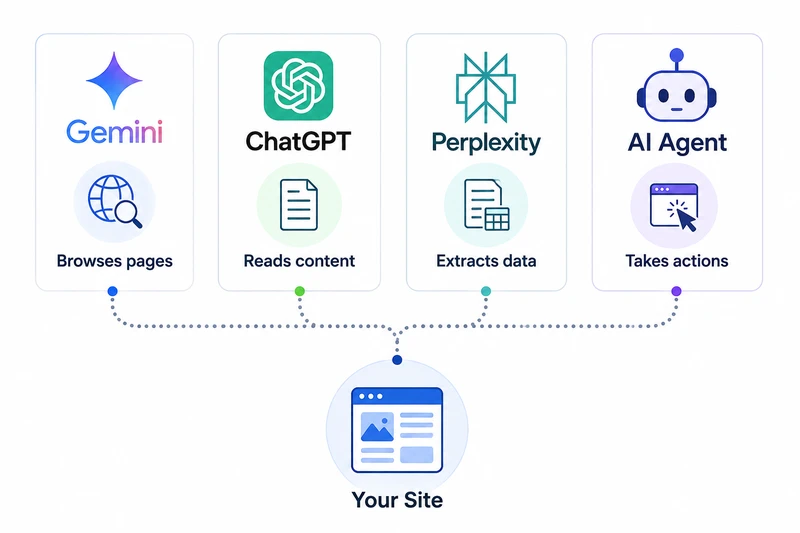
Multiple AI systems now use agents to browse the web. Google Gemini has a feature called "AI Agent" that can browse pages on your behalf. OpenAI has Operator, an agent that completes web tasks. Other tools like Claude and Perplexity also use agent patterns.
When these agents visit your site, they generate data about how easy or hard your page is to use. Chrome's Lighthouse tool now measures this readiness. Pages that score well get more agent traffic. Pages that score poorly get ignored.
This is not limited to AI systems. Screen readers used by blind visitors also read the accessibility tree. The same fixes that help AI agents also help real users with disabilities. Making your site agent friendly makes it more inclusive for everyone.
A website that works well for AI agents also works better for screen readers, keyboard users, and people with slow internet connections. Every accessibility fix you make for agents directly improves the experience for human visitors with disabilities. The overlap between agent readiness and accessibility is nearly complete, which makes these improvements doubly valuable for your SEO and user experience.
AI agents do not blindly trust every website they visit. They cross reference your structured data markup, llms.txt file, API responses, and HTTP cache headers to verify content freshness. If your schema price differs from your API price, the agent may skip your products entirely due to verification failure.
which structures AI engines cite most oftenHow Lighthouse Checks Agentic Browsing Readiness
Chrome Lighthouse is a free tool that tests websites for performance, accessibility, and SEO. In 2026, Google added a new category called Agentic Browsing. This category checks how well your website supports AI agents.
The Agentic Browsing score works differently from other Lighthouse scores. It does not give a number from 0 to 100. Instead, it shows a fraction: how many checks your page passes out of the total checks. Each check is a simple pass or fail test.
The checks cover four main areas:
- WebMCP integration: Does your site use WebMCP tools to help agents understand interactive elements?
- Agent accessible content: Can the agent find and read all interactive elements using the accessibility tree?
- Layout stability: Do elements on your page move after the agent identifies them?
- Discoverability: Does your site have an llms.txt file that summarizes your content for AI systems?
Lighthouse does not guess. It uses deterministic checks that give the same result every time, which means you can track your progress as you make improvements.
How to Make Your Website Agent Friendly
You can improve your agentic browsing score by following five steps. Each step is simple and takes less than an hour to implement.
Step 1: Create an llms.txt File
An llms.txt file is a markdown file placed at the root of your domain. It tells AI agents what your website is about and which pages are most important. Think of it as a summary sheet for AI systems.
Create a file called llms.txt and place it in the root folder of your website. You can use an llms.txt generator to create this file quickly. The file should start with your site name as a heading. Add a short description in a blockquote. Then list your most important pages with links and short descriptions.
# Your Website Name

> A short description of what your website offers.

## Docs

- [Page Title](https://abdulaouwal.com/page): What this page covers.

## Optional

- [Secondary Page](https://abdulaouwal.com/secondary): Less critical content.
This file helps AI agents find the right pages faster. It reduces the work agents need to do to understand your site structure.
Step 2: Fix Your Accessibility Tree
AI agents rely on the accessibility tree to understand your page. The accessibility tree is a simplified version of your page that screen readers use. If an element is missing from this tree, the agent cannot find it.
Open Chrome DevTools and go to the Accessibility panel. Look for interactive elements that have no labels. Every button, link, and form field must have a programmatic name. Use the aria-label attribute on elements that need a visible description.
Before:
<button></button>

After:
<button aria-label="Add to cart">
 <svg>...</svg>
</button>
Check that every element has a valid role. A div that acts as a button should have role="button". Form inputs should have associated label elements using the for attribute.
Step 3: Use Semantic HTML
Semantic HTML tags tell agents what each part of your page means. Use article for main content, nav for navigation, and form for forms. Avoid stacking many empty div tags around your content.
Agents prefer pages with clear structure. When you use the correct HTML tags, the agent can skip the navigation and go directly to the main content. This makes the agent faster and more accurate.
Before:
<div class="header">...</div>
<div class="main">...</div>

After:
<header>...</header>
<main>...</main>
Use heading tags in order: one H1, then H2 for sections, then H3 for subsections. Do not skip levels. Agents use headings to understand the page outline.
Step 4: Reduce Layout Shifts
Layout shifts happen when elements on a page move after they have already appeared. An image that loads late pushes text down. An ad that appears after the page loads shifts buttons to a new position. When an agent identifies a button and then the button moves, the agent clicks the wrong element.
Set width and height attributes on all images and videos. Reserve space for ads and embeds using CSS containers with fixed dimensions. Avoid injecting content above existing elements after the page has loaded.
Before:
<img src="photo.jpg">

After:
<img src="photo.jpg" width="800" height="600">
Chrome Lighthouse reports your Cumulative Layout Shift (CLS) score. A CLS score below 0.1 is good. Check your score in the Performance section of Lighthouse. Layout stability is also a key metric in modern technical SEO and Core Web Vitals.
Step 5: Add WebMCP Tools for Complex Interactions
WebMCP is a new web standard from Google that helps you expose your site features to AI agents. It stands for Web Model Context Protocol. You can use it to tell agents exactly how your forms, search, and checkout work.
To use WebMCP, you add special data attributes to your HTML form elements. This is called the Declarative API. You define a tool name, describe what it does, and list the inputs it needs. The agent reads this information and knows exactly what to do.
<form data-webmcp-tool="search_flights"
 data-webmcp-description="Search for available flights">
 <input type="text" name="from"
 data-webmcp-description="Departure city">
 <input type="text" name="to"
 data-webmcp-description="Arrival city">
 <input type="date" name="date"
 data-webmcp-description="Travel date">
 <button type="submit">Search</button>
</form>
WebMCP works best on pages with complex forms, multi step processes, and interactive tools. It reduces errors when agents fill out your forms. It also makes the user experience faster because the agent completes tasks correctly on the first try.
WebMCP is like giving a map to someone who would otherwise have to explore your building by touching every wall. Without WebMCP, agents must guess which form fields do what and what happens after submission. With WebMCP, the agent knows the inputs, outputs, and expected behavior before it starts, which reduces errors and speeds up task completion.
You can detect whether a website visitor is an AI agent or a human user by checking the User-Agent header and IP ranges. Google agents send Google-Extended, OpenAI sends ChatGPT-User, and Anthropic sends Claude-Web. Agent request patterns also differ from human browsing behavior measurably.
Standard analytics tools do not automatically distinguish AI agents from human visitors. You need agent detection libraries like isbot or custom analytics filters to create a separate agent traffic segment. Server log analysis with GoAccess or Python scripts also reveals which pages agents visit and how they behave.
Agentic Browsing Scoring in Lighthouse
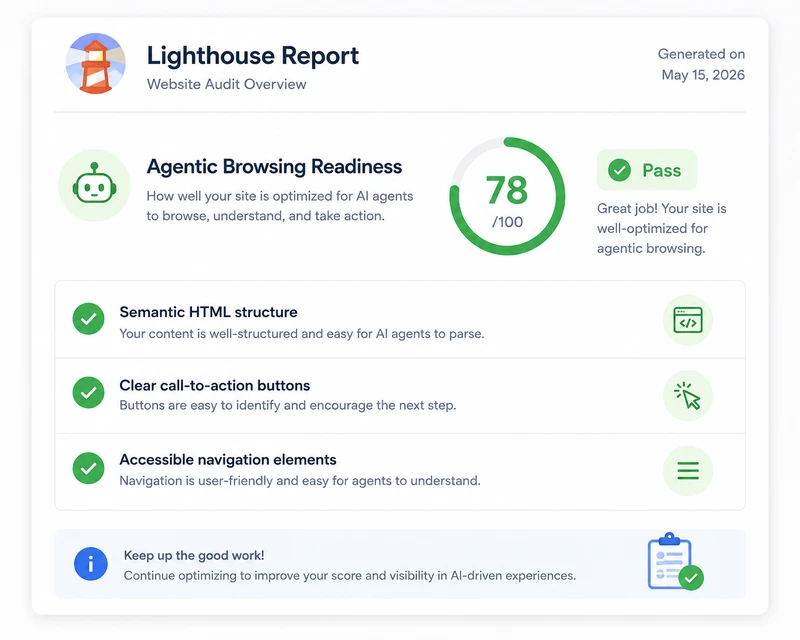
To check your agentic browsing score, open Chrome and go to any page on your website. Open DevTools with F12, click the Lighthouse tab, and select "Agentic Browsing" from the categories list. Run the audit.
The report shows a fraction like 3/6 or 5/8. Each item shows pass or fail. Click any failed item to see what needs to change. The report also shows descriptions that explain why each check matters for AI agents.
Your results may change between tests for three reasons:
- Dynamic tool registration: If your site registers WebMCP tools using JavaScript, the timing affects whether Lighthouse detects them.
- Accessibility tree changes: Large changes to your page DOM can change the tree structure and affect navigation audits.
- Layout shifts: Ads or images without dimensions can cause shifts that appear in some tests but not others.
The goal is not a perfect score. The goal is to pass every check that your page type needs. A blog does not need the same checks as a checkout page. Focus on the checks that matter for your content type and user interactions. Passing the relevant checks ensures AI agents can complete the tasks your visitors actually need.
Frequently Asked Questions
What is the difference between agentic browsing and regular search crawling?
Search crawling reads your page content to index it for search results. Agentic browsing reads your page to perform actions like clicking, typing, and submitting. Agentic browsing needs interactive elements to be detectable. Search crawling only needs text to be readable.
Do I need WebMCP on every page of my website?
No. WebMCP is most useful on pages with forms, searches, checkouts, and interactive tools. Simple content pages like blog posts do not need WebMCP. Focus on pages where a user would benefit from agent assistance, such as booking pages, application forms, and support portals.
Will agentic browsing replace regular SEO?
No. Agentic browsing is a new layer on top of existing SEO practices. You still need good content, fast loading times, and mobile friendly design. Agentic browsing adds a new requirement: making your interactive elements detectable and usable by AI agents.
How long does it take to make a website agent friendly?
Most websites can pass the basic agentic browsing checks in one to two hours. Creating an llms.txt file takes 10 minutes. Fixing accessibility labels takes 30 minutes. Setting width and height on images takes 15 minutes. WebMCP integration takes longer for complex pages but is optional for simple content sites.